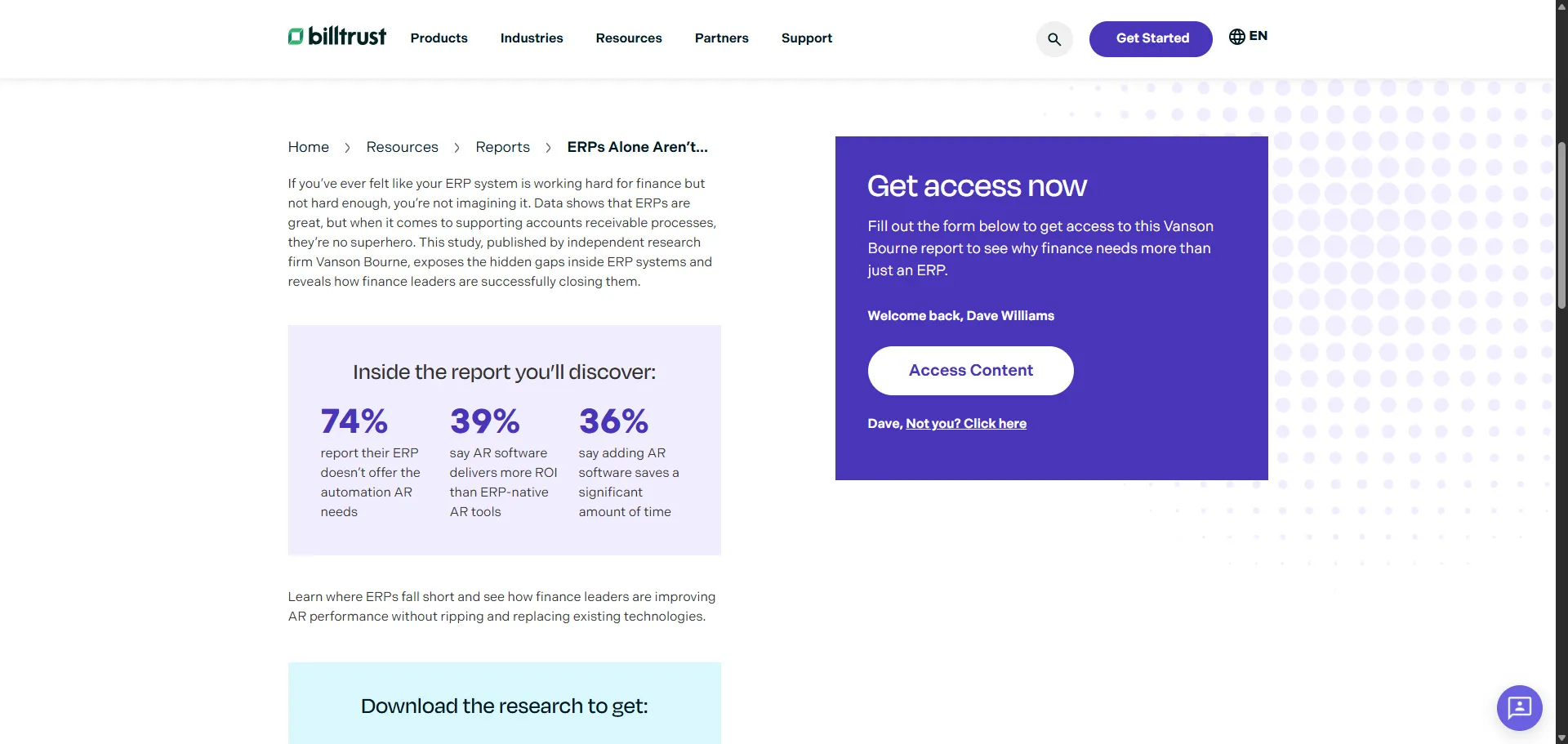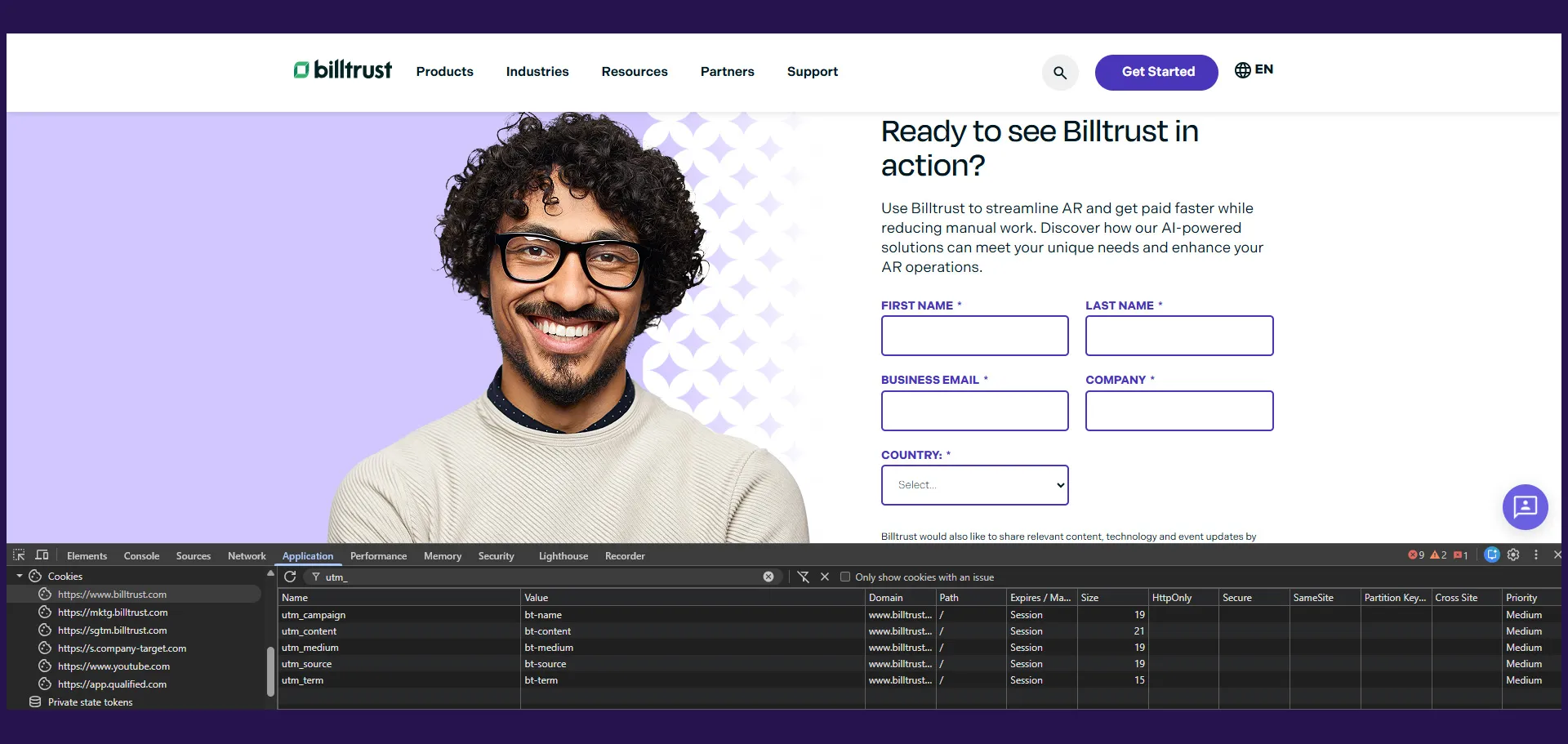
While working at Billtrust, I developed a custom Marketo form-loading and analytics tracking system directly inside our WordPress functions.php file.
At first glance, the project sounded relatively straightforward: load Marketo forms and track submissions. But in practice, there were several underlying technical and marketing challenges that needed to be solved properly.
The goal wasn’t just to embed forms.
The goal was to create a more resilient, analytics-friendly, and conversion-optimized experience that worked reliably across multiple landing pages, campaigns, and international marketing initiatives.
The final implementation combined:
- WordPress shortcode rendering
- JavaScript retry logic
- GA4 dataLayer integration
- Enhanced conversion formatting
- Inline success-state UX
- Duplicate event prevention
This project became a strong example of how frontend engineering and marketing operations often overlap in modern digital experiences.
The Business Problem
Our marketing team relied heavily on Marketo forms for:
- Contact sales requests
- Event registrations
- Gated content downloads
- Partner inquiries
- International campaign forms
However, the default Marketo implementation created several issues.
Inconsistent Script Loading
Because Marketo loads asynchronously, there were cases where custom JavaScript executed before the MktoForms2 library became available.
This caused intermittent failures in analytics tracking and custom form behaviors.
Duplicate Analytics Events
On some pages, scripts could initialize multiple times, especially when components re-rendered or forms were dynamically injected.
This created duplicate event listeners and inflated conversion metrics inside GA4.
Poor Analytics Labeling
By default, analytics platforms only received raw Marketo form IDs.
For example:
4425This made dashboards difficult to interpret for marketers and stakeholders.
Redirect-Based Thank You Pages
Traditional Marketo behavior redirects users to a separate thank-you page after submission.
That approach introduced several problems:
- Slower user experience
- Harder attribution tracking
- More complex reporting
- Additional page maintenance
- Potential drop-off during redirects
Lack of Enhanced Conversion Formatting
Google Ads enhanced conversions work best when customer data is normalized consistently.
Without normalization:
- Email matching suffers
- Phone matching becomes unreliable
- Attribution accuracy decreases
The implementation needed to improve both frontend UX and downstream analytics quality.
Project Goals
The project focused on solving both technical and marketing operational problems simultaneously.
Technical Goals
- Prevent race conditions during Marketo initialization
- Ensure event listeners only bind once
- Create reusable logic across all forms
- Keep the implementation lightweight and maintainable
- Improve frontend reliability
Marketing Goals
- Improve GA4 conversion tracking accuracy
- Support enhanced conversions for Google Ads
- Create cleaner analytics reporting
- Reduce attribution inconsistencies
- Improve the user conversion experience
What the Application Does
The system works in several stages.
1. Waits for the DOM to Load
The script initializes only after the page finishes loading.
document.addEventListener('DOMContentLoaded', function () {
  waitForMkto(1);
});
2. Retries Until Marketo Becomes Available
A retry system checks repeatedly for the MktoForms2 object.
function waitForMkto(retryingCount) {
  if (typeof MktoForms2 !== 'undefined') {
    console.log('Marketo loaded successfully');
  } else {
    if (retryingCount < 10) {
      setTimeout(() => {
        waitForMkto(retryingCount + 1);
      }, 1000);
    }
  }
}
This solved asynchronous loading issues and dramatically improved reliability.
The system retries once per second for up to 10 seconds.
3. Hooks Into Marketo Form Readiness
Once Marketo becomes available, the script safely initializes form logic.
MktoForms2.whenReady(function (form) {});This guarantees:
- The form exists
- DOM elements are rendered
- Event APIs are available
4. Prevents Duplicate Event Binding
One of the most important parts of the implementation was preventing duplicate analytics listeners.
var formEl = form.getFormElem()[0];

if (formEl.getAttribute('data-inline-behaviors-loaded') === 'true') {
  return;
}

formEl.setAttribute('data-inline-behaviors-loaded', 'true');
Without this safeguard, multiple listeners could attach and inflate conversion counts.
5. Maps Form IDs to Friendly Names
The system translates raw Marketo form IDs into readable labels.
function getFormName(formId) {
  var formNames = {
    4237: 'Contact Sales',
    4425: 'Event Registration',
    4424: 'Gated Content',
  };

  return formNames[formId.toString()] || 'Other Marketo Form';
}
This improved reporting across:
- GA4
- Google Ads
- Looker Studio
- CRM dashboards
6. Captures and Normalizes User Data
On successful submission, the system extracts email and phone values.
var email = values.Email || values.email || '';
var phone = values.Phone || values.phone || '';
The data is then normalized.
function normalizeEmail(email) {
  return email.trim().toLowerCase();
}

function normalizePhone(phone) {
  return phone.replace(/\D/g, '');
}
This normalization improves enhanced conversion matching inside Google Ads.
7. Pushes a GA4 Lead Event
The system sends a structured generate_lead event into the dataLayer.
window.dataLayer.push({
  event: 'generate_lead',
  form_id: formId.toString(),
  form_name: formName,
  user_data: {
    email: normalizedEmail,
    phone_number: normalizedPhone,
  },
});
This created a standardized analytics structure across all marketing forms.
8. Displays an Inline Success State
Instead of redirecting users to a thank-you page, the form remains inline.
form.getFormElem().hide();
form.getFormElem()[0].classList.add('submitted');
Then the thank-you message appears dynamically.
var thanksText = document.querySelector('.form-msg');

if (thanksText) {
  thanksText.style.display = 'block';
}
Finally, the script prevents Marketo’s default redirect behavior.
return false;This keeps the experience smooth and uninterrupted.
Frontend Architecture
The implementation used a combination of PHP and JavaScript inside WordPress.
WordPress Shortcode Structure
The system was wrapped in a reusable shortcode:
add_shortcode("marketo_form", "shortcode_marketo_form");This allowed marketers and content editors to deploy forms dynamically without duplicating logic.
Every form automatically inherited:
- Retry protection
- Analytics tracking
- Enhanced conversion formatting
- Inline thank-you states
JavaScript Event Architecture
The frontend behavior followed a layered approach:
| Layer | Responsibility |
|---|---|
| DOMContentLoaded | Initialize script |
| Retry Function | Wait for Marketo |
| MktoForms2.whenReady | Bind form behaviors |
| onSuccess Handler | Capture submissions |
| dataLayer Push | Send analytics events |
| UI State Updates | Handle inline success state |
This architecture kept responsibilities modular and easier to maintain.
Why This Architecture Worked Well
The implementation balanced:
- Reliability
- Performance
- Analytics quality
- Maintainability
- User experience
Most importantly, it centralized marketing engineering logic into a single reusable system.
Business Impact
This project had a measurable impact on both frontend reliability and marketing analytics quality.
Improved Attribution Accuracy
Normalized lead data improved match quality inside:
- GA4
- Google Ads
- CRM attribution systems
This led to cleaner reporting and more reliable conversion data.
Reduced Analytics Inflation
The duplicate event prevention system eliminated inflated conversion counts caused by repeated listener binding.
This improved trust in reporting dashboards.
Better User Experience
Inline success states reduced friction by keeping users on-page after submission.
Benefits included:
- Faster perceived performance
- Lower abandonment risk
- Cleaner conversion flows
Easier Reporting for Marketing Teams
Friendly form names made dashboards significantly easier to interpret.
Instead of seeing:
4425Teams could immediately understand:
Event RegistrationThis simplified reporting conversations across departments.
Scalable Across International Campaigns
The form-name mapping system supported multiple languages and regions, making the implementation easier to scale globally.
Lessons Learned
This project reinforced several important engineering and marketing lessons.
Small Technical Decisions Have Large Analytics Consequences
Something as simple as duplicate event binding can quietly corrupt analytics for months if not handled carefully.
Marketing Engineering Requires Defensive Programming
Third-party platforms load asynchronously and unpredictably.
Building resilient retry systems is essential for reliable integrations.
Analytics Quality Starts on the Frontend
Data normalization is often overlooked, but it directly impacts:
- Attribution quality
- Ad platform optimization
- Enhanced conversion performance
UX and Analytics Should Work Together
Inline success states improved both:
- User experience
- Conversion measurement consistency
Good frontend architecture can support both goals simultaneously.

Conclusion
This project started as a relatively simple form integration but evolved into a scalable marketing engineering solution that improved:
- Frontend reliability
- Conversion tracking accuracy
- Analytics consistency
- User experience
- Marketing reporting quality
One of the most interesting aspects of modern frontend development is how closely tied it has become to business intelligence and marketing operations.
A form submission is no longer just a form submission.
It’s:
- A conversion signal
- An attribution touchpoint
- A reporting data source
- A UX interaction
- A paid media optimization event
Building reliable systems around those interactions matters far more than most users ever realize.
This implementation became a strong example of how thoughtful frontend engineering can quietly improve both technical performance and business outcomes at the same time.