Urgency is one of the most effective psychological drivers in ecommerce and digital marketing.
When users understand that a special offer is ending soon, they are significantly more likely to take action immediately rather than delaying a purchase decision. But urgency only works when it is communicated clearly, consistently, and visibly throughout the user experience.
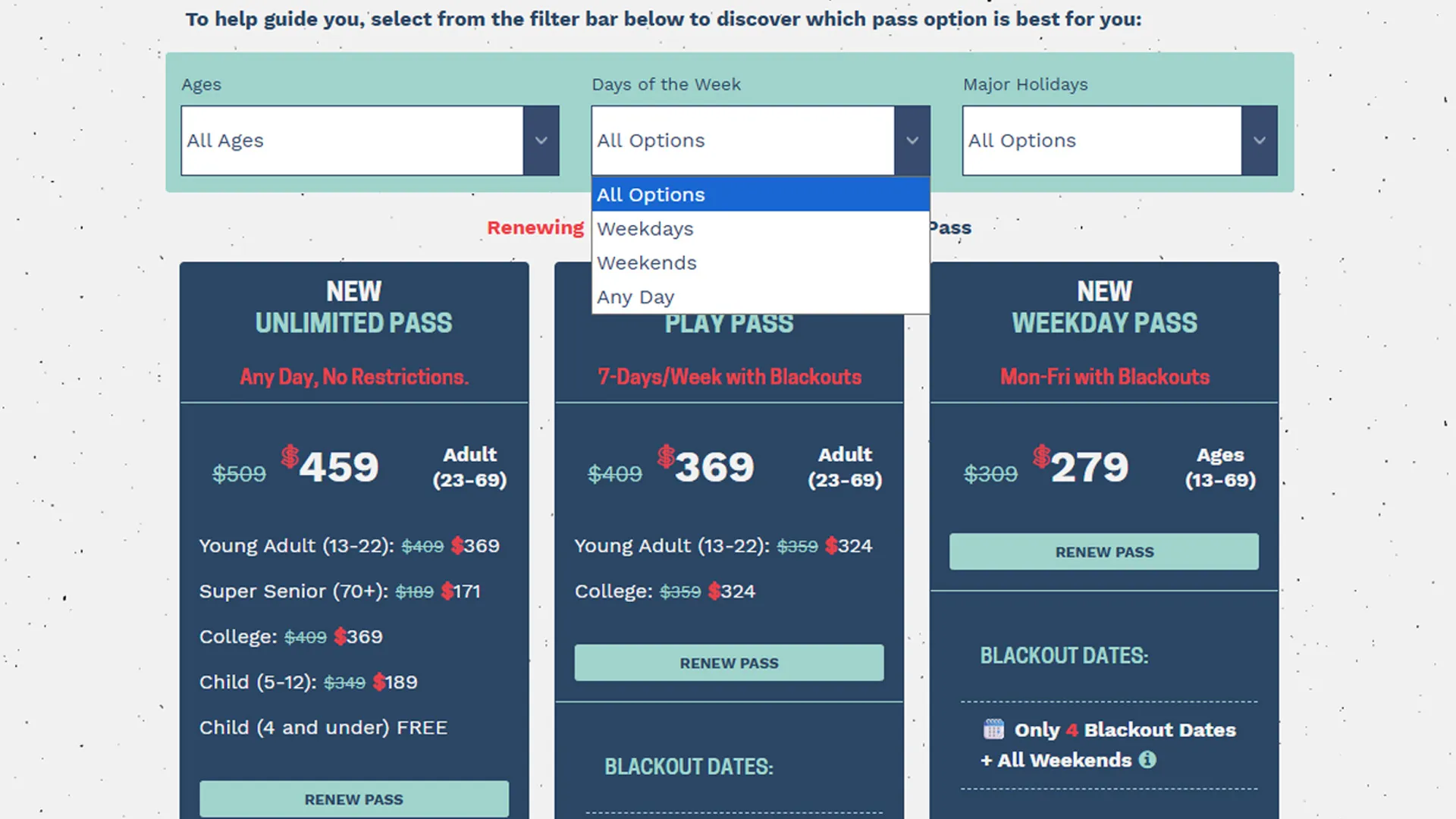
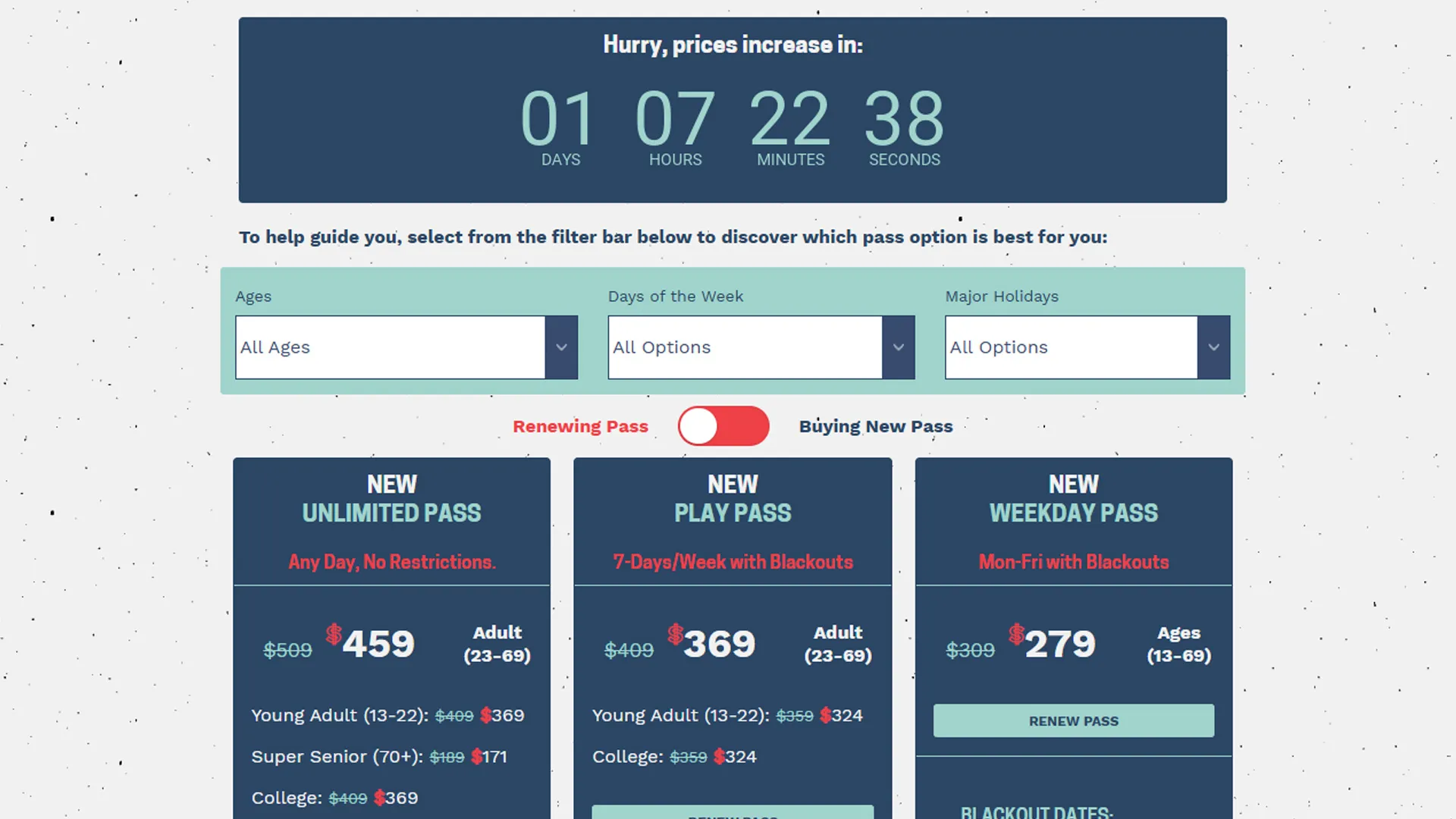
While working at Sierra-at-Tahoe, I developed a lightweight countdown timer using pure JavaScript to support a season pass sales campaign. The timer displayed the exact time remaining before promotional pricing expired and automatically updated the page once the sale ended.
The implementation was intentionally simple — no frameworks, plugins, or third-party countdown libraries. The goal was to create a fast, reliable, and easy-to-maintain solution that integrated directly into the season pass landing page while helping drive additional conversions before the deadline.
After launching the countdown experience, the marketing team observed increased urgency-driven purchasing behavior leading up to the sale expiration date.
The Business Problem
Season pass sales represented one of the resort’s most important annual revenue drivers.
Marketing campaigns promoted discounted early-purchase pricing to encourage guests to commit before the winter season began. However, one consistent challenge was motivating hesitant customers to complete purchases before the promotional deadline expired.
Without a visible urgency mechanism:
- Users delayed purchase decisions
- Customers assumed pricing would remain available
- Promotional deadlines lacked visibility
- Potential revenue opportunities were lost
The business needed a way to make the sale deadline highly visible while maintaining a clean and user-friendly experience across devices.
Project Goals
The countdown timer project focused on several key objectives:
- Increase urgency around season pass sale deadlines
- Encourage faster purchase decisions
- Improve visibility of promotional expiration timing
- Automatically update sale messaging after expiration
- Maintain strong performance with minimal overhead
- Ensure compatibility across desktop and mobile devices
- Avoid dependency on third-party plugins
The implementation also needed to be simple enough for future marketing campaigns to update without major development effort.
Technical Approach
The countdown experience was built entirely with:
- Semantic HTML
- CSS styling
- Pure JavaScript
No external libraries or frameworks were used.
The architecture intentionally prioritized:
- Simplicity
- Reliability
- Fast rendering
- Easy maintainability
Countdown Structure
The HTML structure separated each time unit into its own visual container:
<div id="clockdiv">
  <div>
    <span id="daysBox"></span>
    <div class="smalltext">Days</div>
  </div>

  <div>
    <span id="hoursBox"></span>
    <div class="smalltext">Hours</div>
  </div>

  <div>
    <span id="minsBox"></span>
    <div class="smalltext">Minutes</div>
  </div>

  <div>
    <span id="secsBox"></span>
    <div class="smalltext">Seconds</div>
  </div>
</div>
This structure made the timer easy to style responsively while clearly communicating urgency to users.
Real-Time Countdown Logic
The countdown logic calculated the difference between the current date and the promotional expiration date every second.
function cdtd() {
  var xmas = new Date('December 31, 2027 23:59:59');
  var now = new Date();

  var timeDiff = xmas.getTime() - now.getTime();
}
The remaining time was then converted into:
- Days
- Hours
- Minutes
- Seconds
Those values updated the DOM in real time:
document.getElementById('daysBox').innerHTML = days;
document.getElementById('hoursBox').innerHTML = hours;
document.getElementById('minsBox').innerHTML = minutes;
document.getElementById('secsBox').innerHTML = seconds;
The timer refreshed every second using setTimeout():
var timer = setTimeout('cdtd()', 1000);This created a live countdown experience without requiring page reloads.
Automatically Switching Sale States
One of the most useful implementation details was automatically updating the page once the sale expired.
When the countdown reached zero:
- The countdown timer disappeared
- Sale messaging was hidden
- New pricing messaging became visible
if (timeDiff <= 0) {
  clearTimeout(timer);

  document.querySelector('#clockdiv').style.display = 'none';
  document.querySelector('#saleActive').style.display = 'none';
  document.querySelector('#saleEnded').style.display = 'block';
}
This prevented outdated promotional messaging from remaining visible after the campaign ended.
It also reduced operational risk because marketing teams did not need to manually remove or update the timer at midnight when pricing changed.
Responsive Design Considerations
The countdown timer needed to work effectively across:
- Desktop monitors
- Tablets
- Mobile phones
The CSS layout used inline-block containers and scalable spacing to ensure the timer remained readable on smaller screens.
#clockdiv > div {
  padding: 30px;
  border-radius: 3px;
  background: rgb(249, 164, 135);
  display: inline-block;
  margin: 5px;
}
The visual design intentionally emphasized:
- High contrast colors
- Large countdown values
- Clear labels
- Simple hierarchy
This helped ensure users could immediately understand the remaining time regardless of device size.
Why Pure JavaScript Was the Right Choice
For this project, introducing a framework or plugin would have added unnecessary complexity.
Using pure JavaScript offered several advantages:
- Faster page performance
- No external dependencies
- Easier long-term maintenance
- Minimal implementation overhead
- Simple integration into existing CMS templates
Because the functionality requirements were relatively focused, a lightweight implementation provided the best balance between capability and maintainability.
Marketing Impact
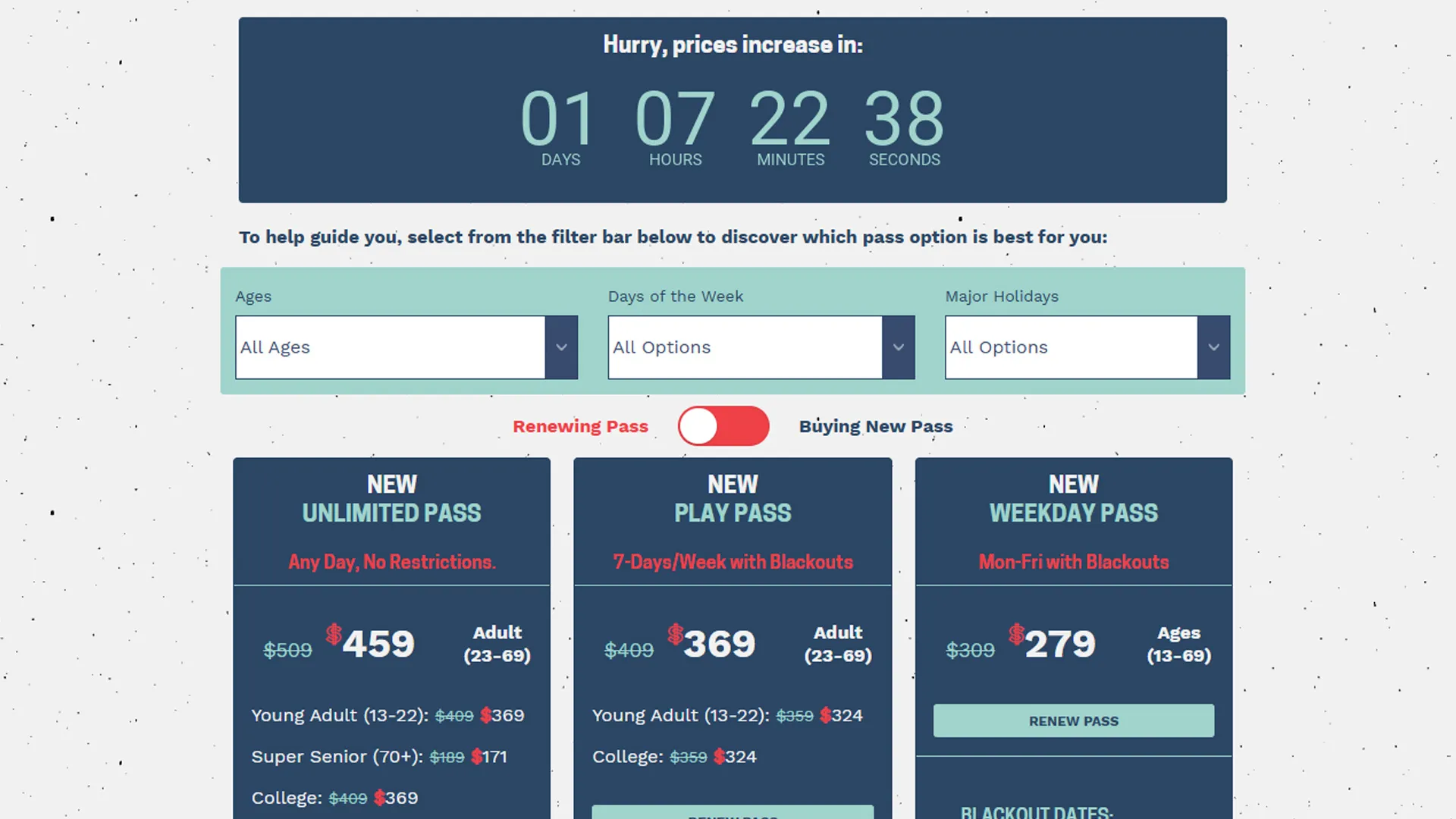
The countdown timer became an important conversion optimization component during the season pass sales campaign.
Business Benefits Included
- Increased urgency around promotional deadlines
- Higher visibility of pricing expiration dates
- Improved user engagement on the season pass page
- Reduced purchase hesitation
- Increased season pass sales leading up to deadline periods
The project reinforced how relatively small frontend enhancements can create measurable business impact when aligned with user psychology and marketing goals.
UX Lessons Learned
Visible Deadlines Influence Behavior
Users are more likely to take action when deadlines are concrete and continuously visible.
A static message stating that a sale “ends soon” is far less effective than a live countdown displaying exactly how much time remains.
Simplicity Often Performs Best
The implementation succeeded partly because it avoided unnecessary complexity.
The experience loaded quickly, worked reliably, and communicated urgency clearly without distracting from the primary conversion goal.
Automation Reduces Operational Risk
Automatically transitioning from sale-state messaging to post-sale messaging eliminated the need for manual overnight content updates.
This reduced the chance of expired promotions remaining visible after deadlines passed.
Conclusion
The JavaScript countdown timer project at Sierra-at-Tahoe demonstrated how lightweight frontend experiences can directly support marketing and revenue goals.
By combining real-time urgency messaging with automated post-sale transitions, the implementation helped encourage faster purchase decisions while simplifying campaign management for internal teams.
Technically, the project reinforced the value of simple, maintainable frontend architecture. Strategically, it highlighted how thoughtful UX decisions can influence customer behavior in measurable ways.
Sometimes the most effective digital experiences are not the most complex — they are the ones that clearly communicate the right message at the right moment.